Call Datasheets
1. Overview
Call Datasheets let a Super Admin access the maske form filled in by a clerk during or after a call. A Super Admin can search these datasheets by first name, last name, phone number, email, address, and project name.
3. Steps to Search a Call Datasheet
-
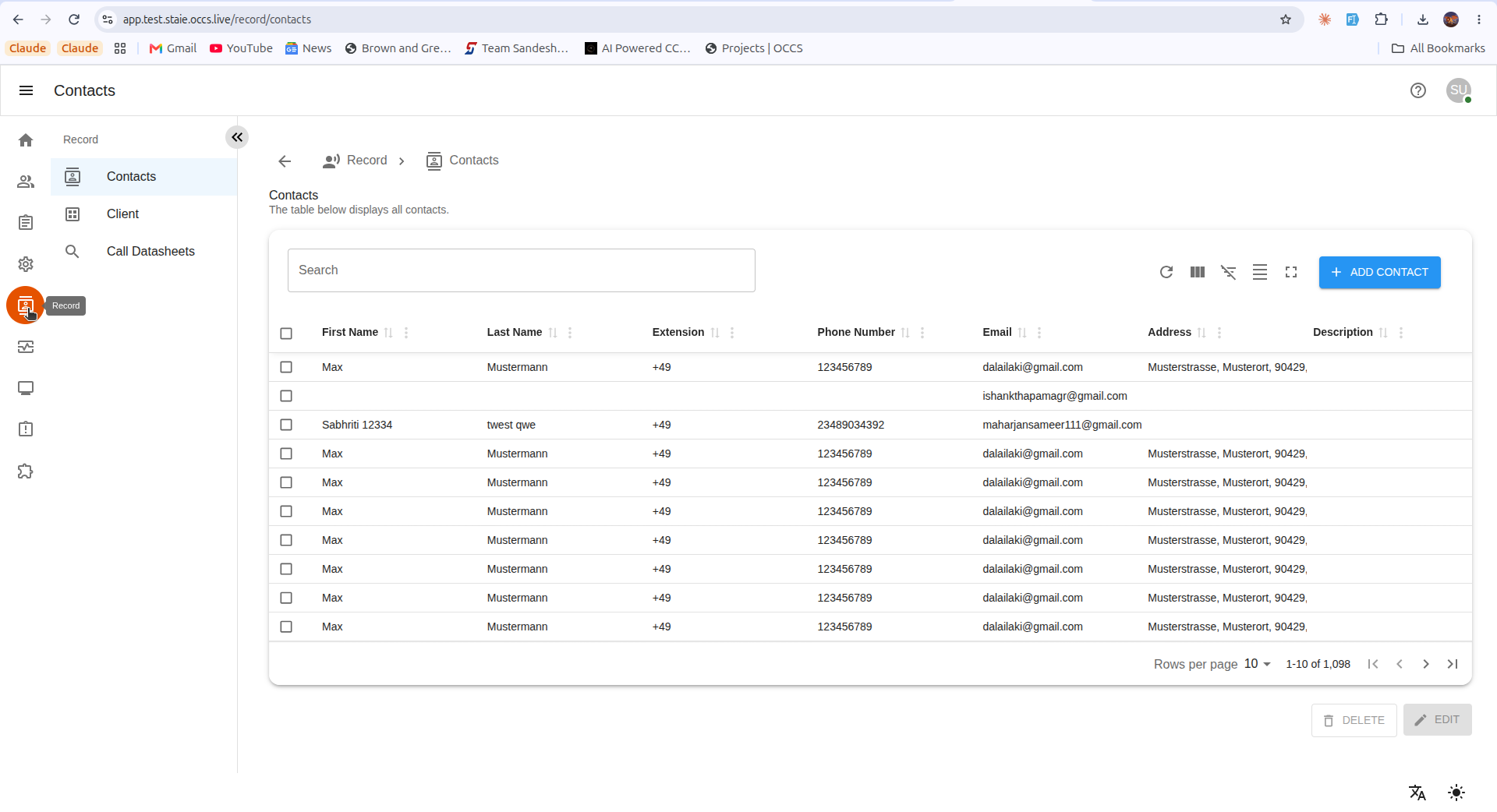
Open Record.
Click Record on the left-hand navigation.
-
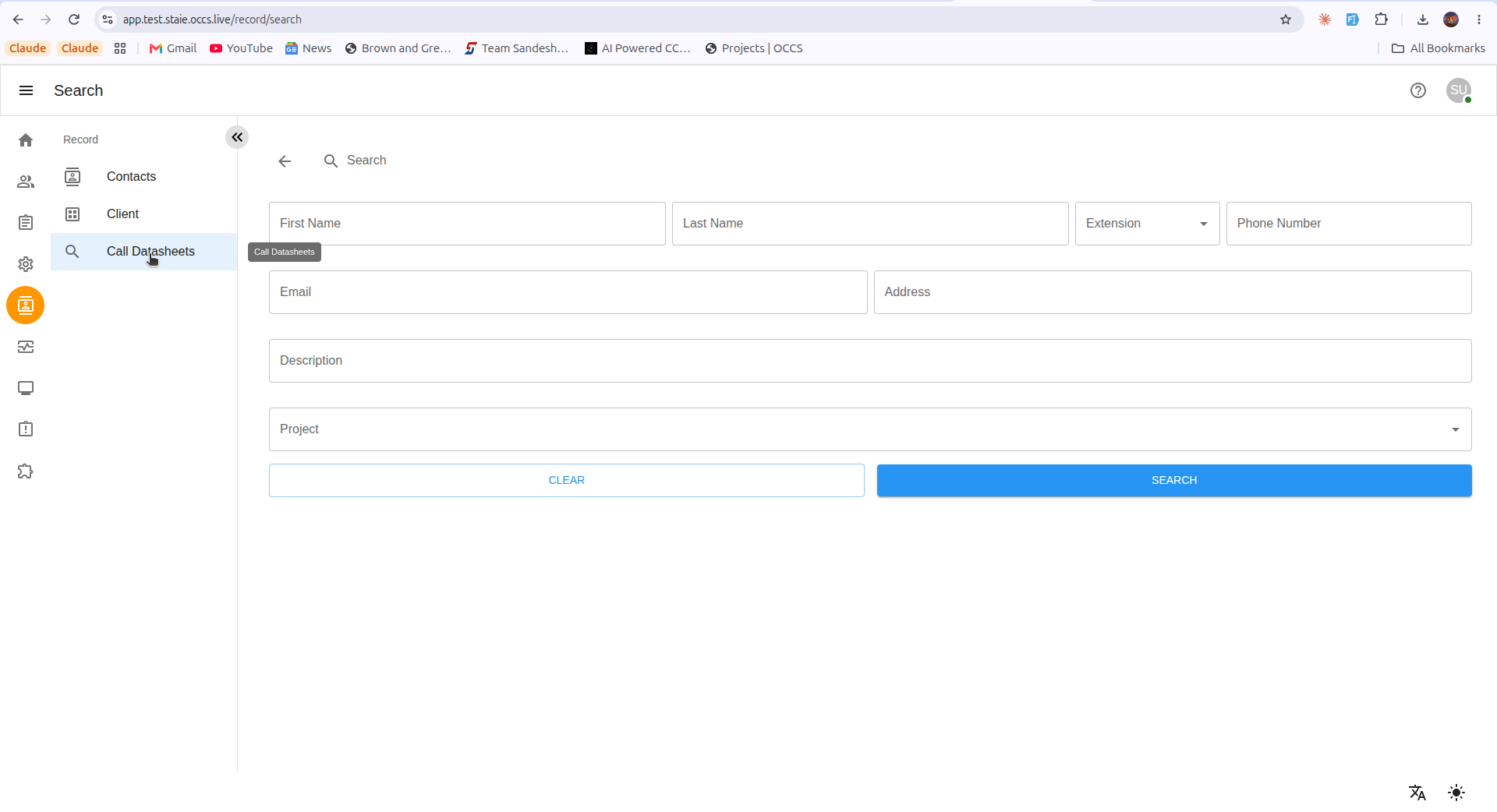
Open Call Datasheets.
Click Call Datasheets.
-
Enter search criteria.
Fill in one or more fields — such as First Name, Last Name, Phone Number, Email, Address, or Project — to narrow down the desired client(s). Use CLEAR to reset the form.
-
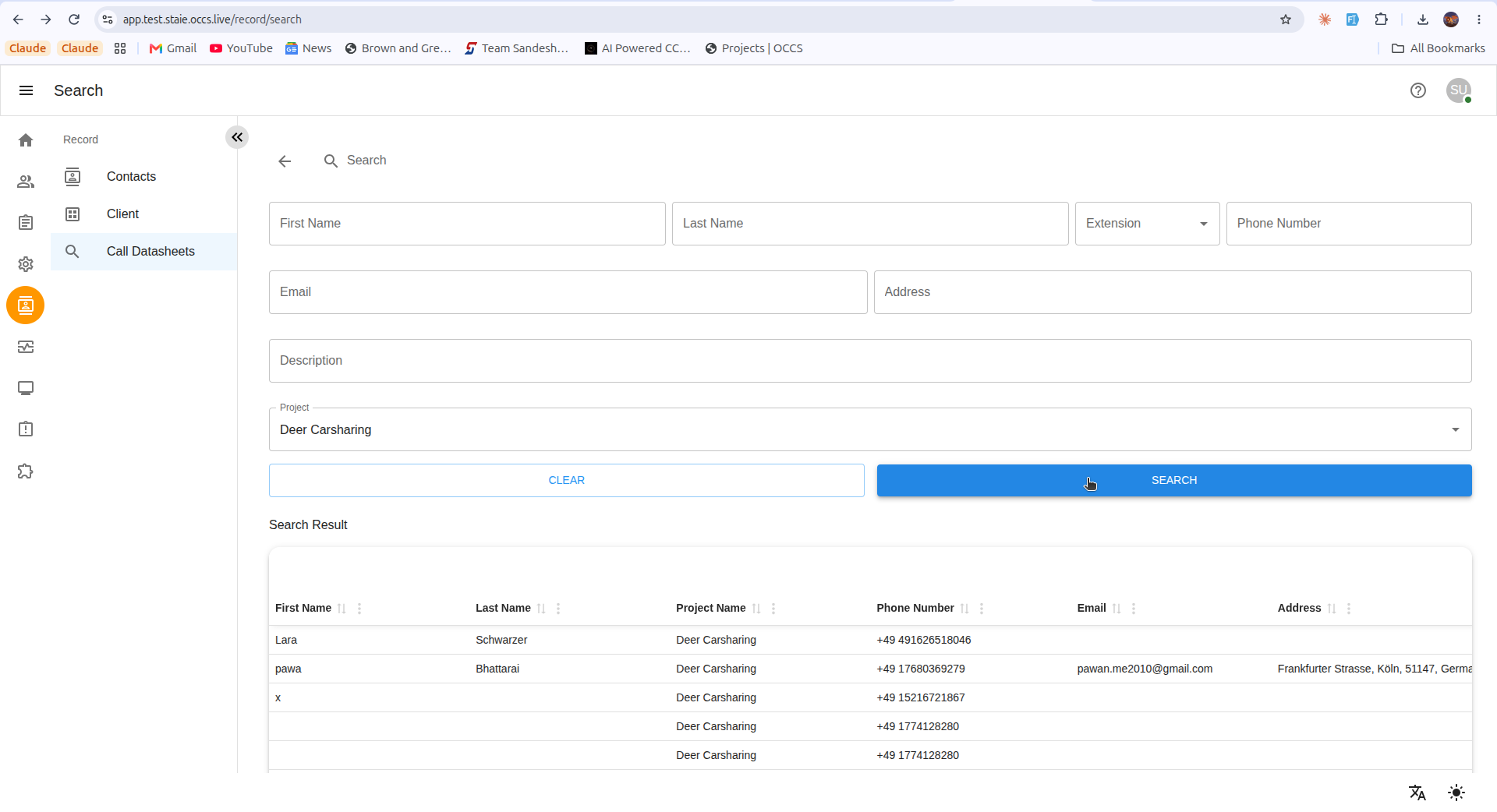
Search.
Click SEARCH. Matching records appear in the Search Result table below the form.
-
View the datasheet.
Select the desired client associated with the project. The maske form opens, pre-filled with the same values the clerk entered during the call.