User Manual for Call Forwarding
-
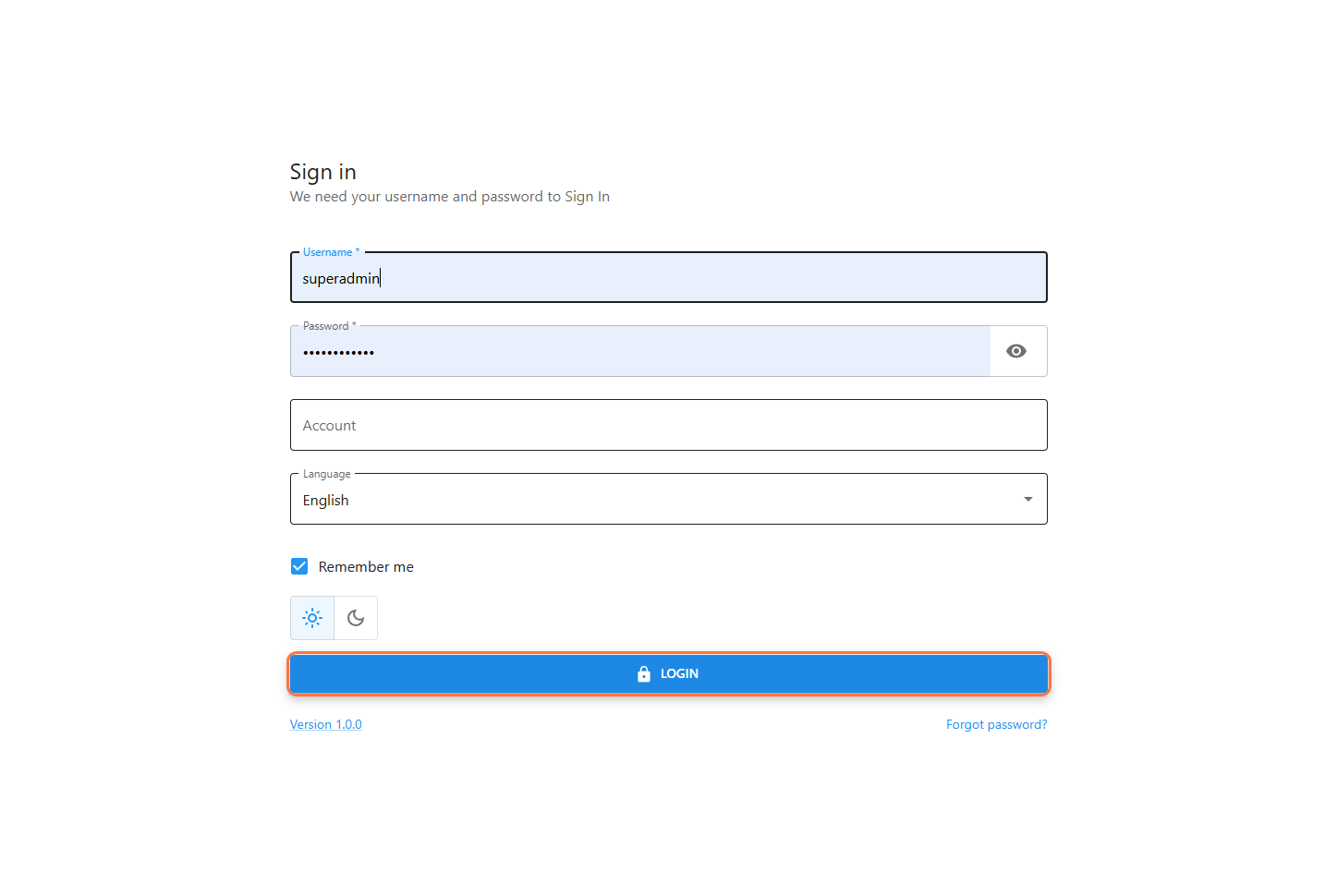
Open the system login page.
-
Enter your Username and Password.
-
Select Account Type: Clerk.
-
Click Sign In to access the system.
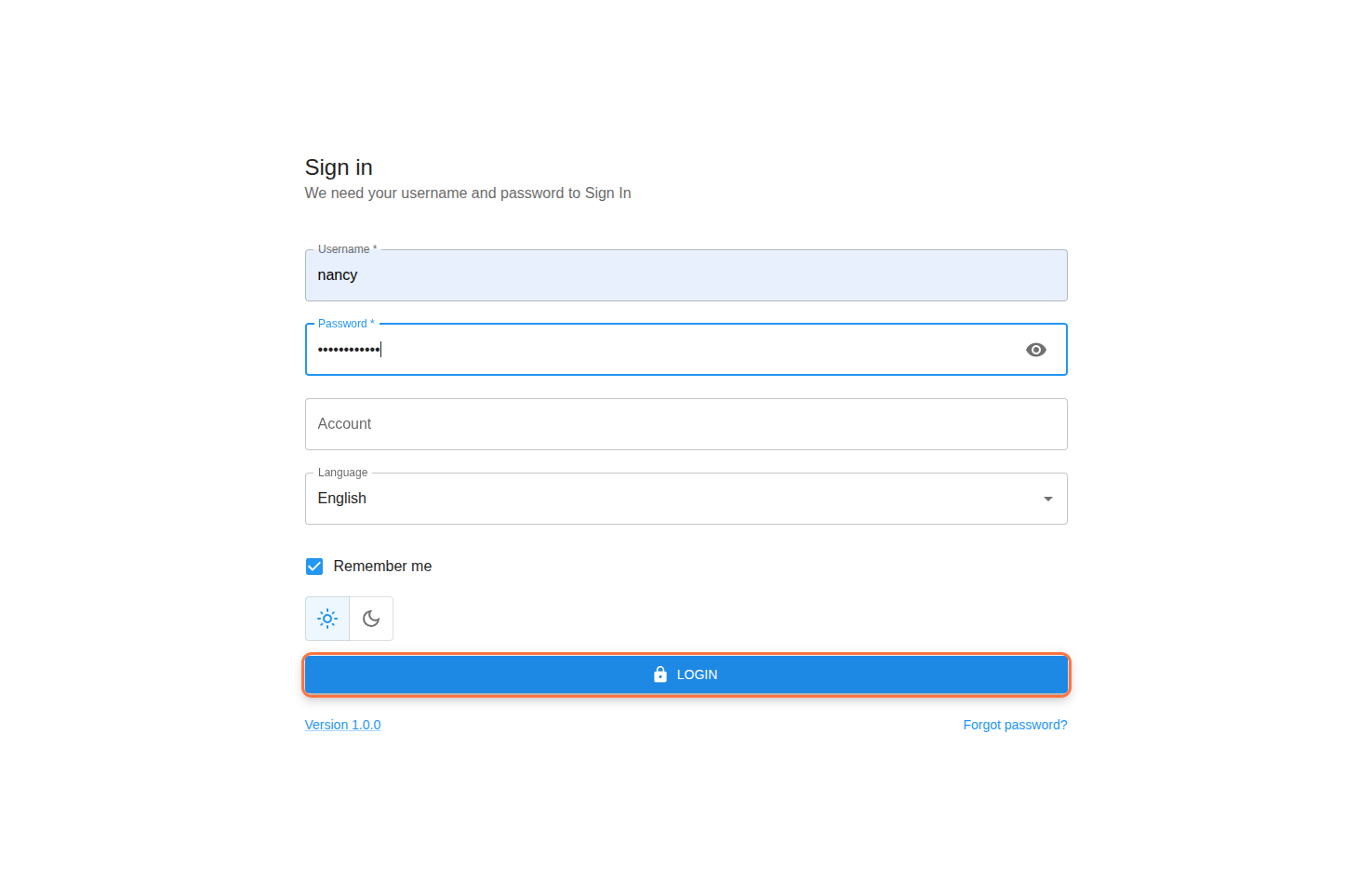
Step 2: Ready to Receive Calls
-
Select your Project after login.
-
Set your status to Available.
-
The system is now ready to receive calls.
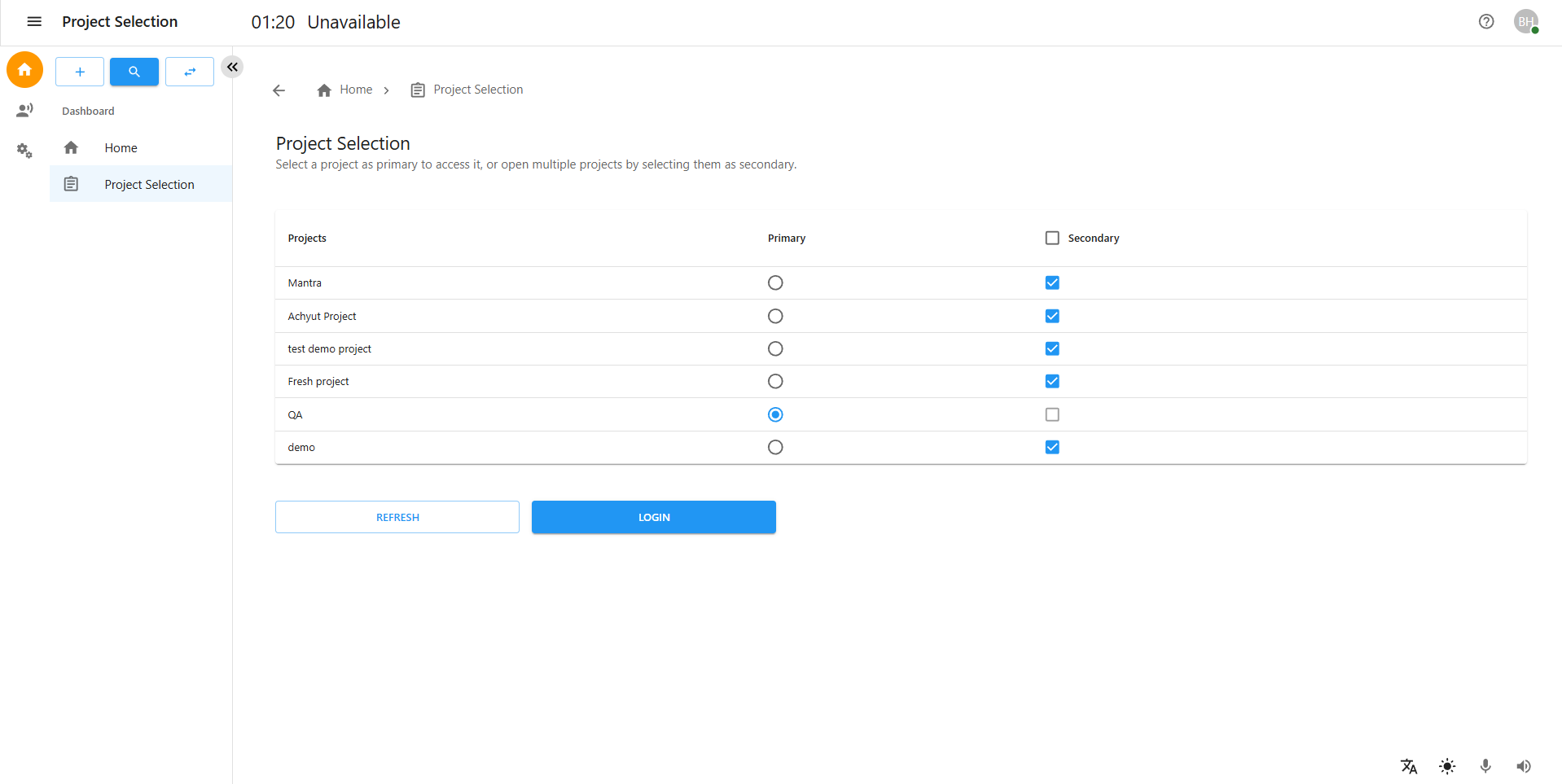
Step 3: Receiving an Incoming Call
-
When a call arrives, click Accept.
-
The Call Dashboard will appear once the call is connected.
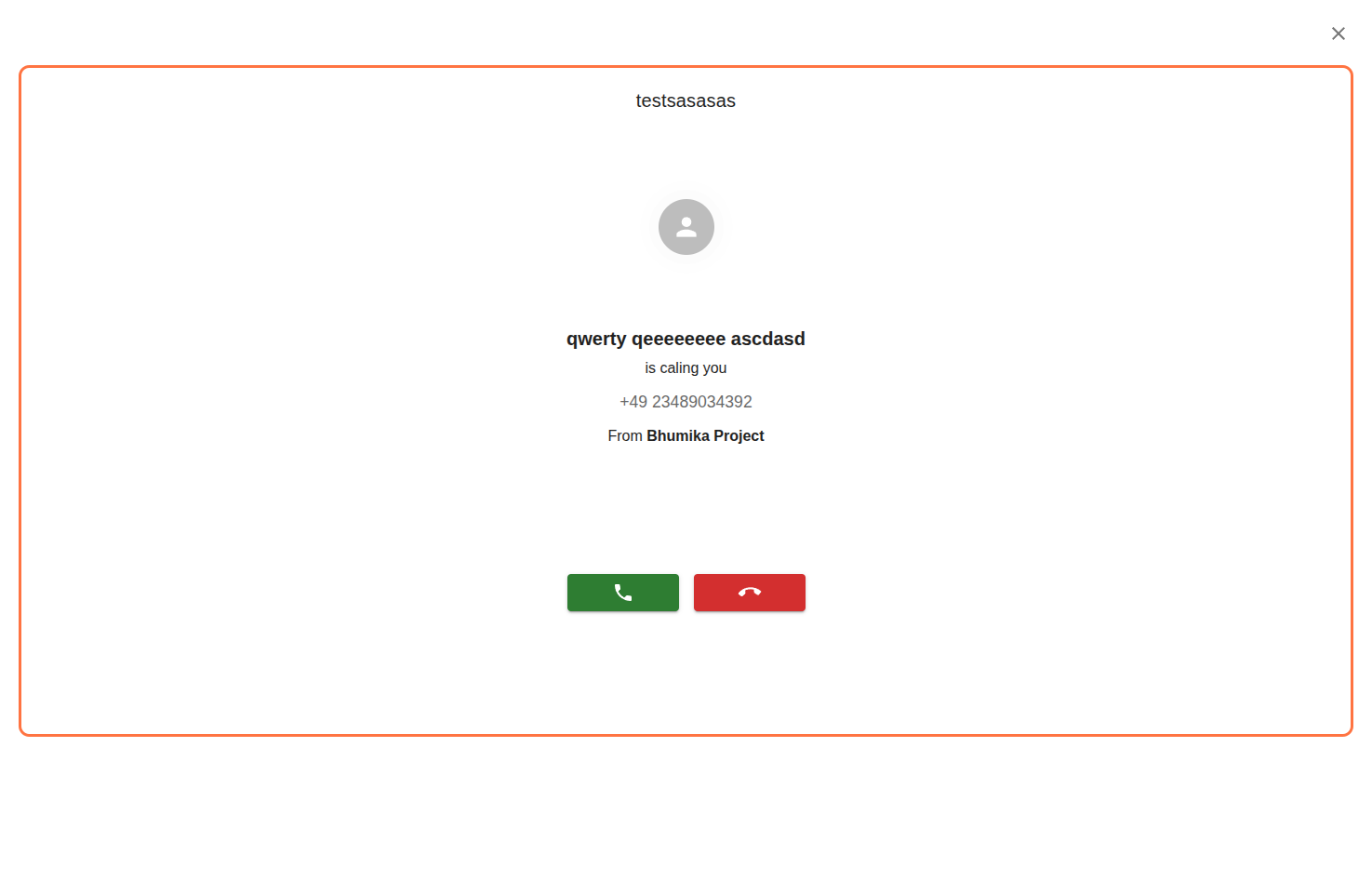
Step 4: Call Dashboard Overview
-
During the call, the following options are available:
End Call – Disconnect the call
Hold Call – Put the call on hold
Forward Call – Transfer the call
-
Click Forward Call to proceed.
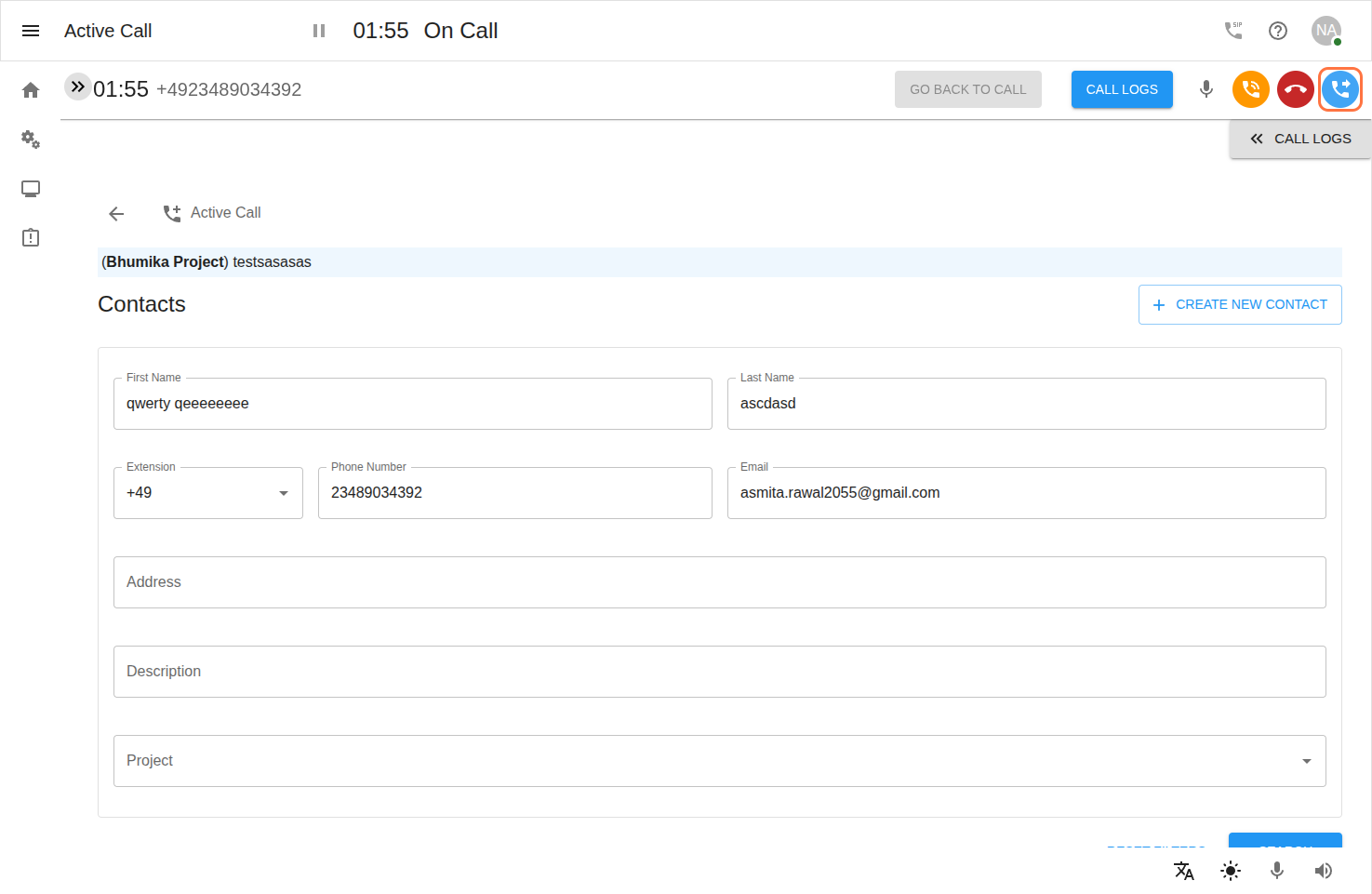
Step 5: Call Forwarding Panel
-
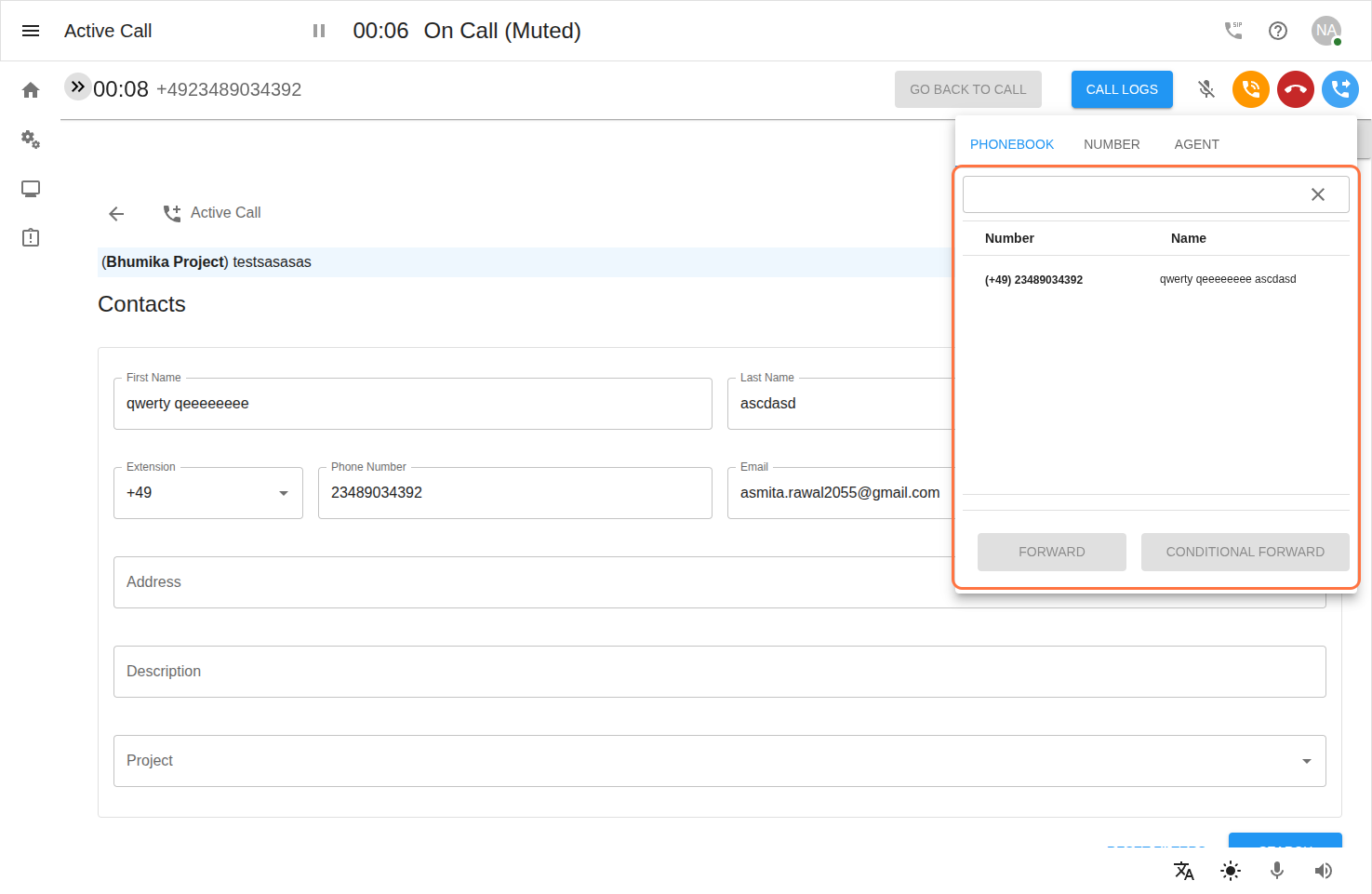
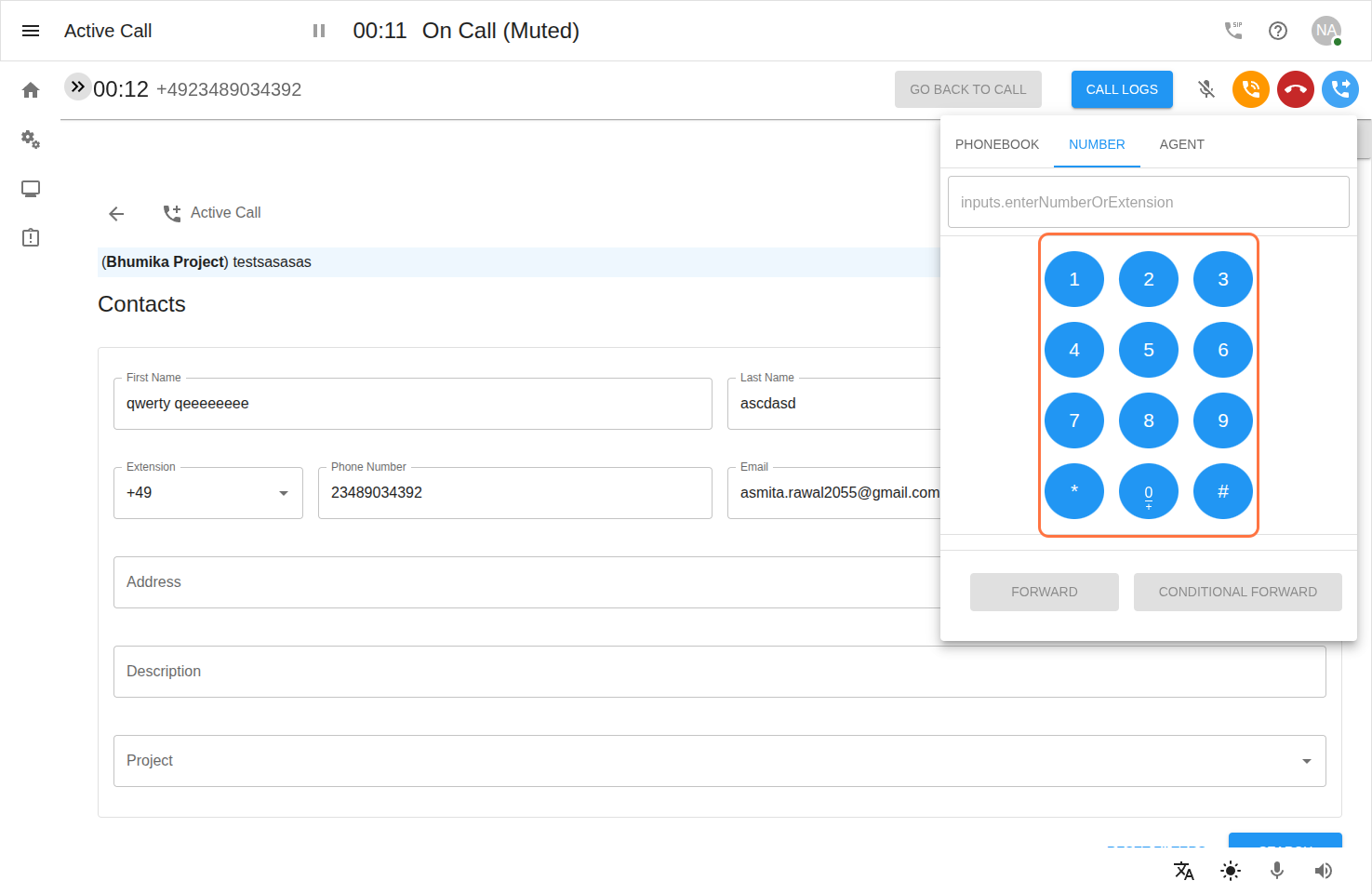
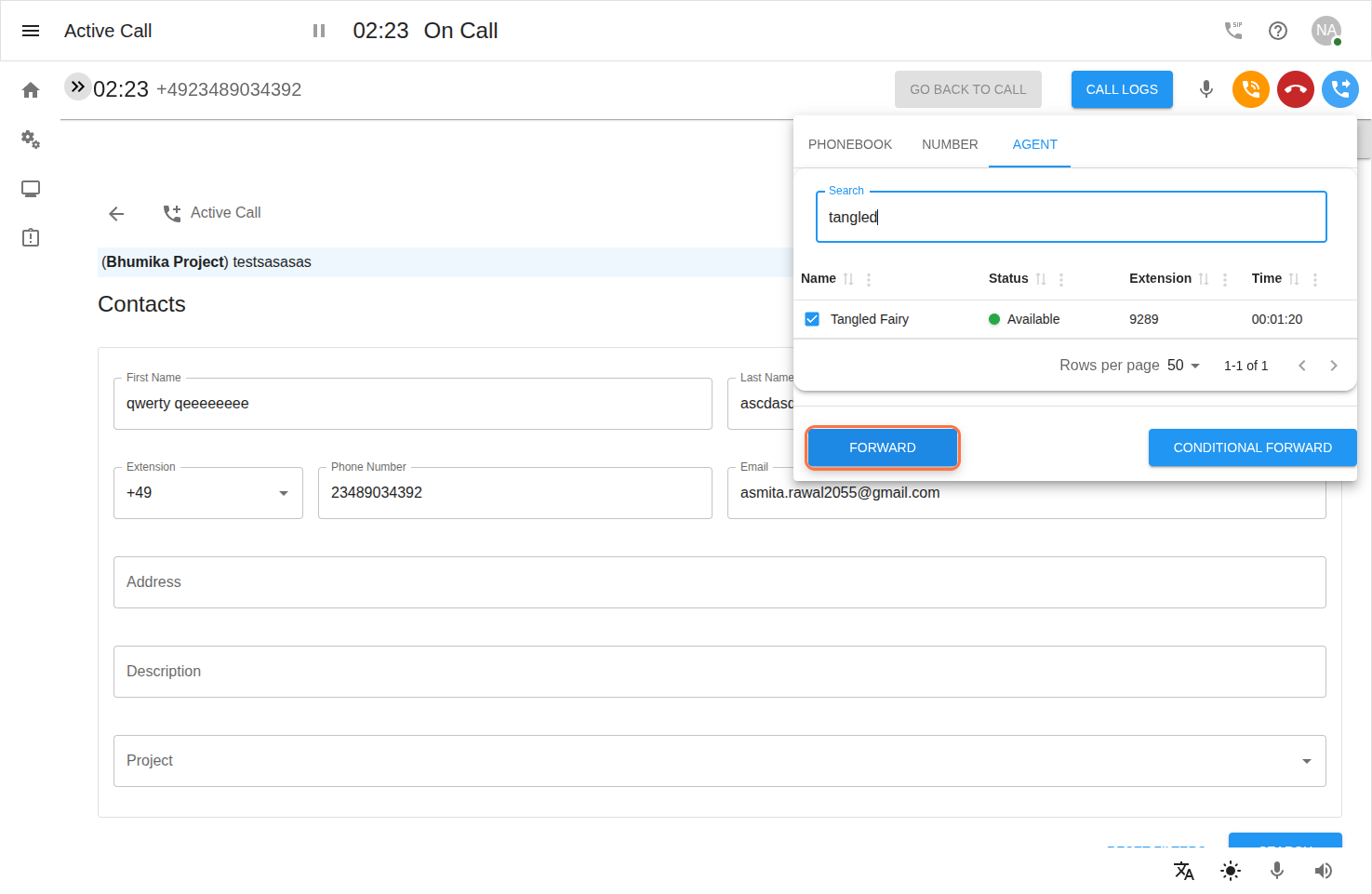
The forwarding panel contains three tabs:
Phone Book
Number
Agent
-
Each tab provides two options:
Direct Forward
Conditional Forward
Step 6: Direct Forward
-
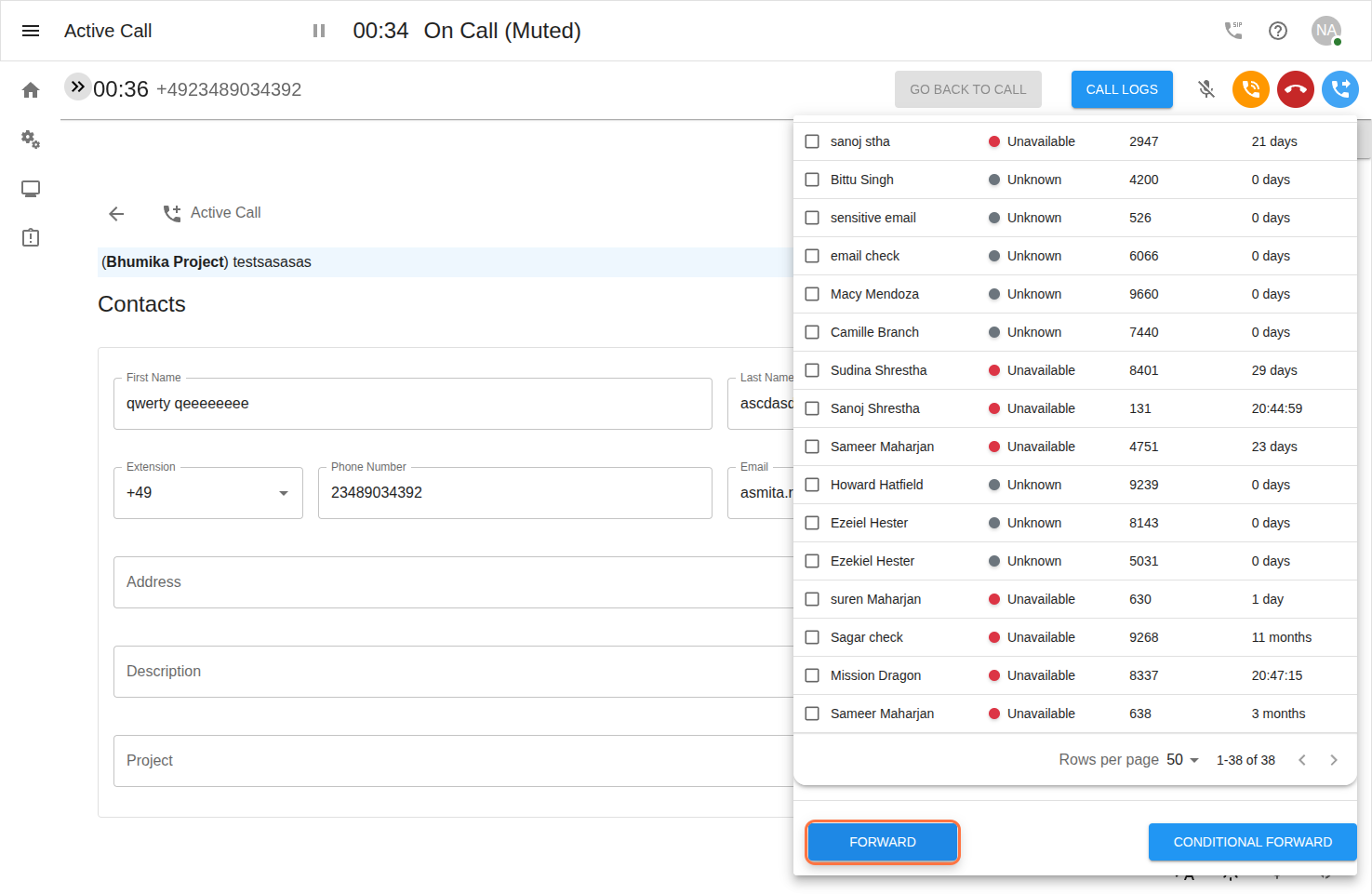
Direct Forward will instantly transfer the call to the selected destination.
-
The Clerk is disconnected immediately after forwarding.
You can use Direct Forward in:
Phone Book
-
Select a saved contact.
-
Click Forward.
Number
-
Enter a number using the dial pad.
-
Click Forward.
Agent
-
Select an available agent.
-
Click Forward.
Step 7: Conditional Forward
-
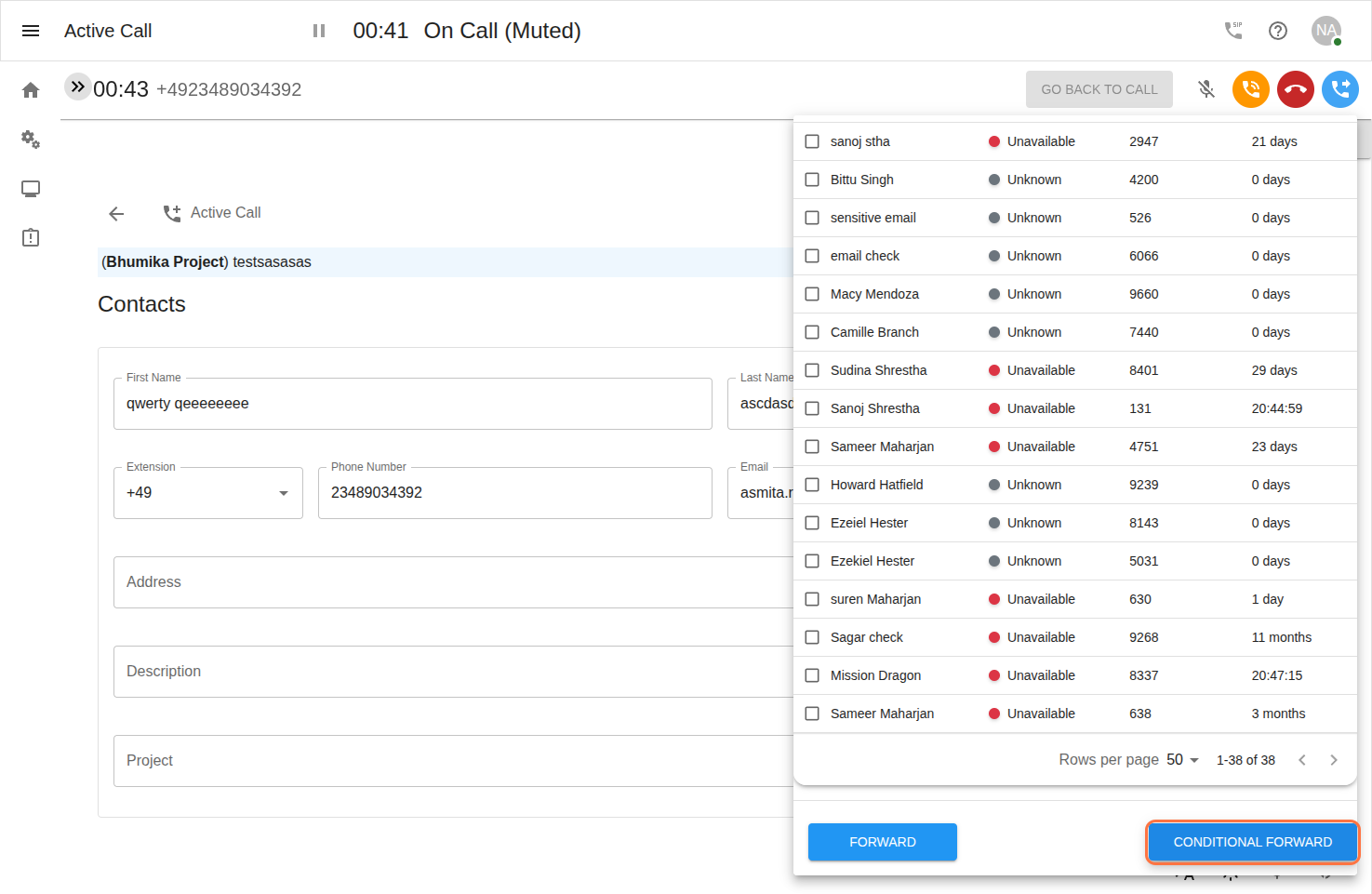
Conditional Forward forwards the call based on agent availability and response.
Flow of Conditional Forward:
-
Select a contact, number, or agent.
-
Click Conditional Forward.
-
The system will attempt to forward the call.
Behavior:
If the agent is available → Call is forwarded.
If the agent answers → Call is successfully transferred.
If the agent does not pick up → Call is returned back to the original Clerk.
This ensures the call is not lost and can be handled again if unanswered.
Step 8: Forwarding to an Agent
-
Go to the Agent tab.
-
View the list of agents.
-
Select an Available Agent.
Choose one of the following:
Direct Forward → Immediate transfer
Conditional Forward → In Conditional Forward, the clerk forwards the call to the selected agent. If the agent is available, the call is handed over successfully. If the agent is not available, the clerk can take back the call , after which the call is automatically unhold and the clerk can continue handling it.